Create a Demo Account
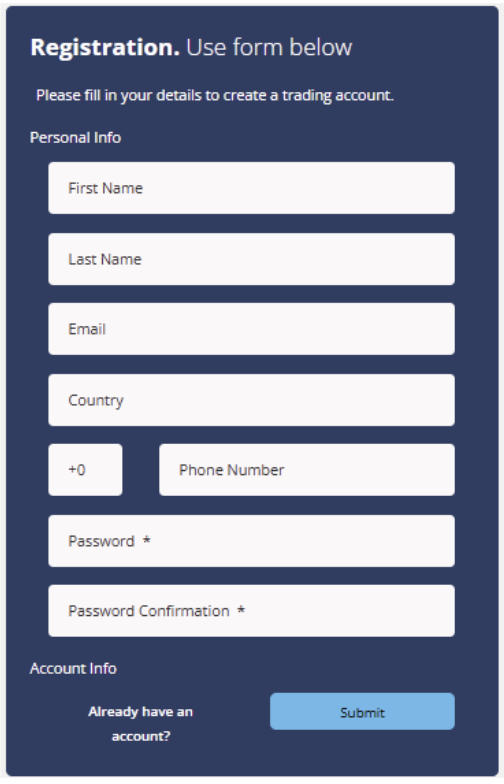
1. Create a demo account from this link: https://my.hiroseag.com/register-demo
2. Fill up your details and click submit.
3. You will received your demo account details via email.
4. Please install the MT5 platform to log in.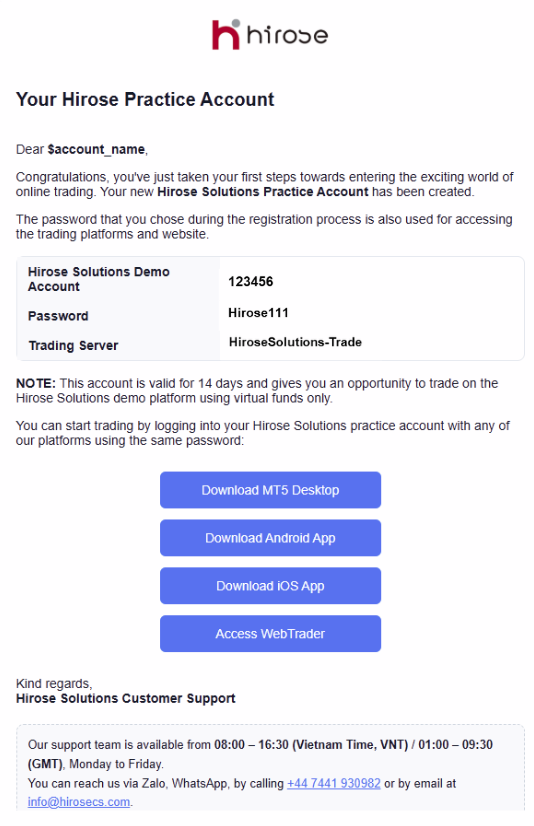
4. Please install the MT5 platform to log in.
5. For iOS version, click ‘Download Mobile iOS’.

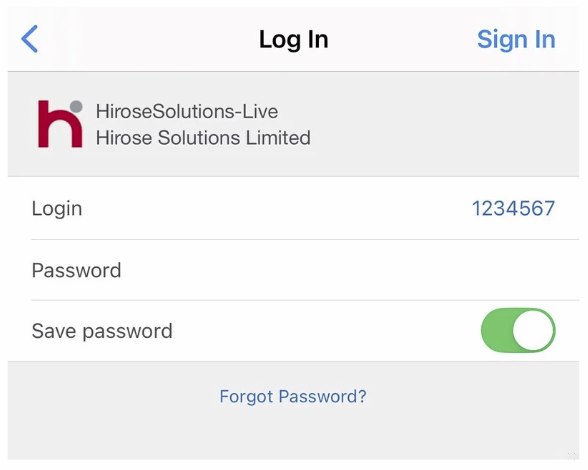
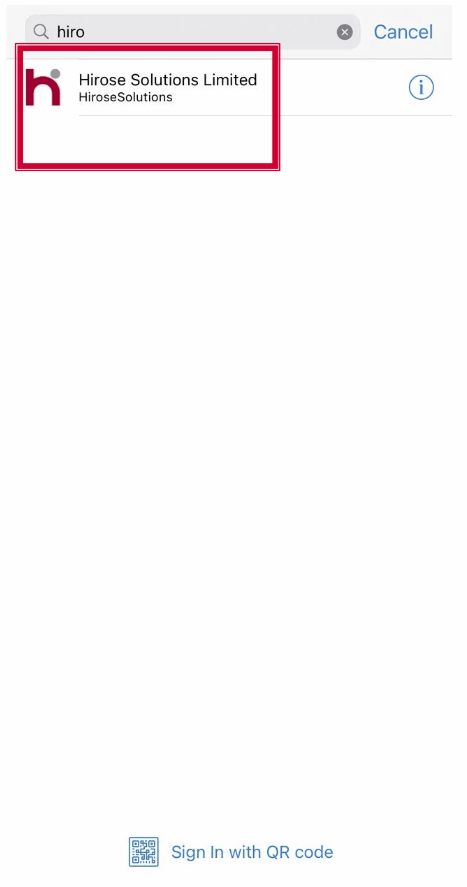
6. Launch the MT5 platform and go to Account → Find broker ‘Hirose Solution Limited’
7. Enter your login details and click OK.