✅ How to Display from the Chart Screen
Tap the icon  to open the main menu on the left
to open the main menu on the left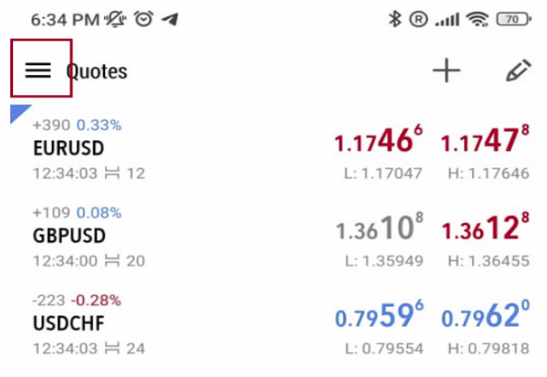
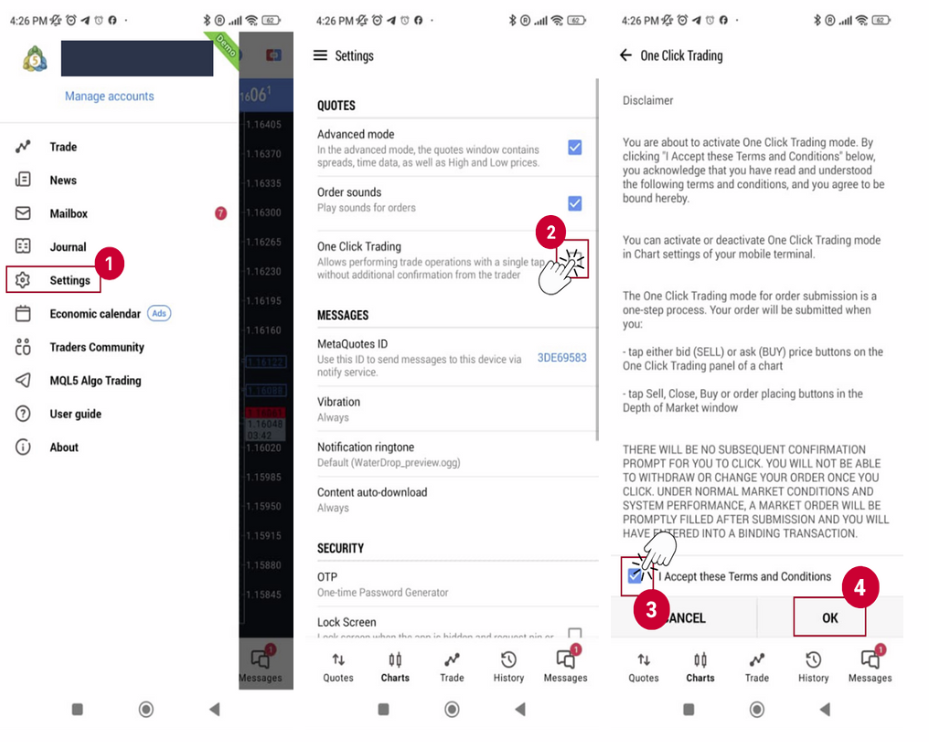
(1) Choose ‘Settings’ from the main menu on the left.
(2) On the Settings screen, check the box for ‘One-Click Trading’.
(3) A disclaimer screen will appear. Check the box “I accept these Terms and Conditions”.
and (4) tap OK button
(2) On the Settings screen, check the box for ‘One-Click Trading’.
(3) A disclaimer screen will appear. Check the box “I accept these Terms and Conditions”.
and (4) tap OK button
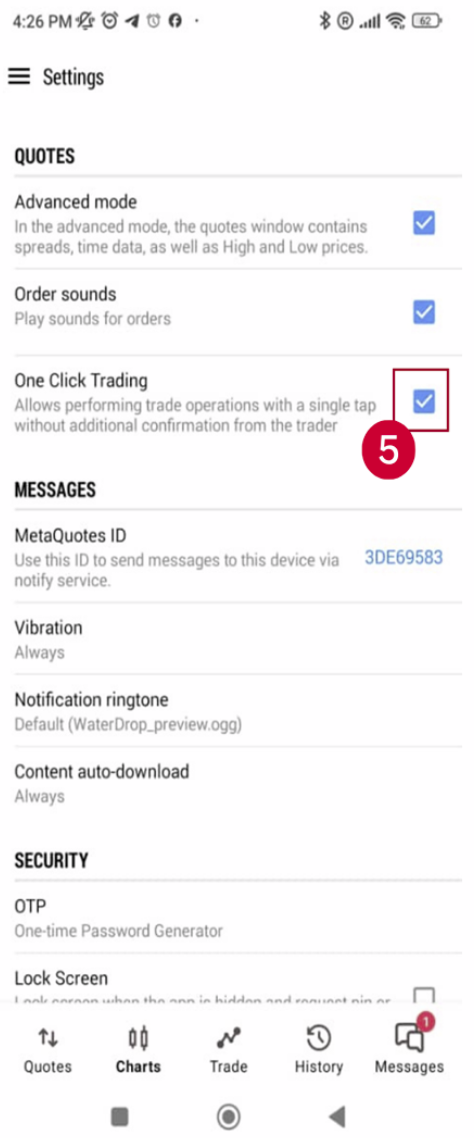
(5) One-Click Trading is now successfully enabled.
✅ One-Click Trading in MT5
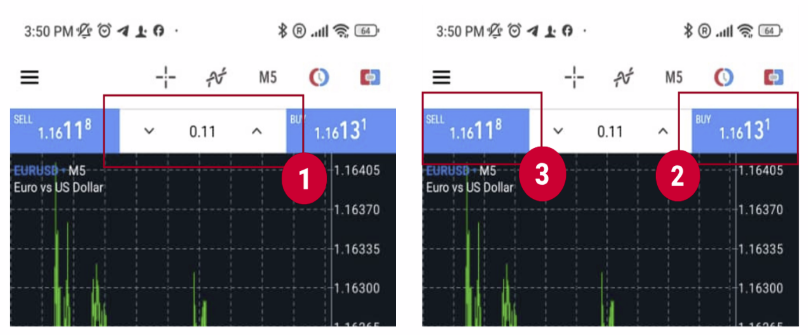
One-click orders are placed using the trading panel at the top right of the chart.
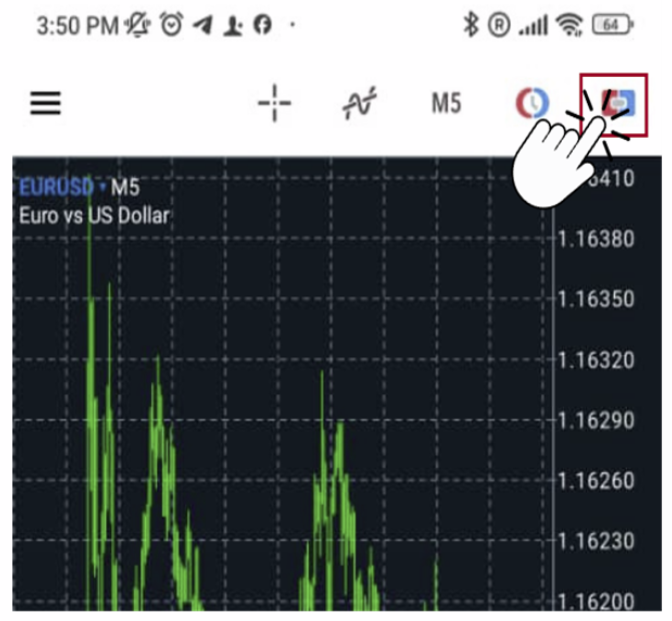
Enter the lot size in the upper center (1), and click (2) ‘BUY’ or (3) ‘SELL’ to place the order.