
How to Make a Withdrawal via USDT
( Uniwire)
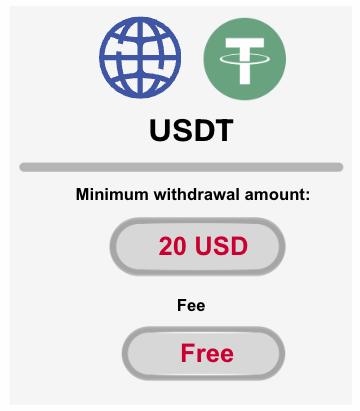
Minimum Withdrawal Amount: 20 USD (equivalent in USDT)
Withdrawals to third-party wallets are not allowed.
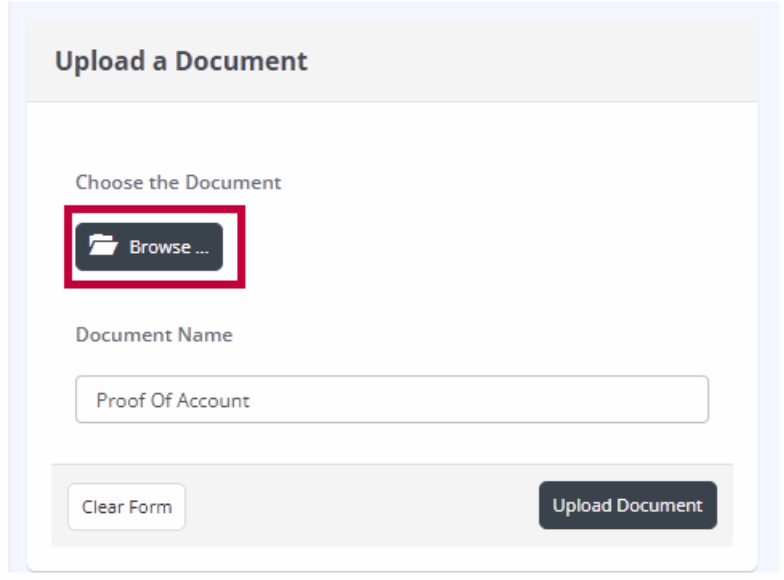
For your first USDT withdrawal, you are required to upload a document that clearly shows both the Crypto Network and Account Holder’s Name.
If the registered information differs from the uploaded document, the withdrawal request will be cancelled.
(If you need to update your wallet information, please re-upload a document showing both your network and wallet ownership.)
Withdrawals will be processed to the registered wallet address only.
Please ensure that your wallet details are accurate.
Hirose is not responsible for any loss caused by incorrect or incomplete wallet information.
Requests will be processed based on the submitted time (Vietnam Time):
Same-day Processing
• Requests submitted between 07:00–15:00
Actual processing time may vary based on system status and network conditions.
Next Business Day Processing
• Requests submitted after 15:00, or before 07:00
Processing will begin after 07:00 on the next business day.
Delays may occur due to system load or blockchain conditions.
If the base currency of your trading account differs from USDT, conversion fees may apply.
Blockchain network fees may vary depending on the network conditions.
Step1: Log in to Client Portal
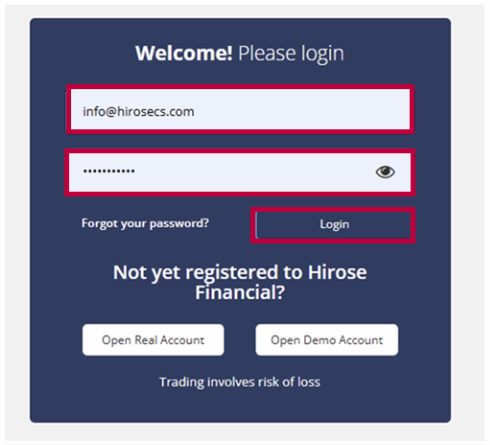
If this is your first withdrawal, please follow Steps 3-4.
If you have already registered, please proceed to Step 5.
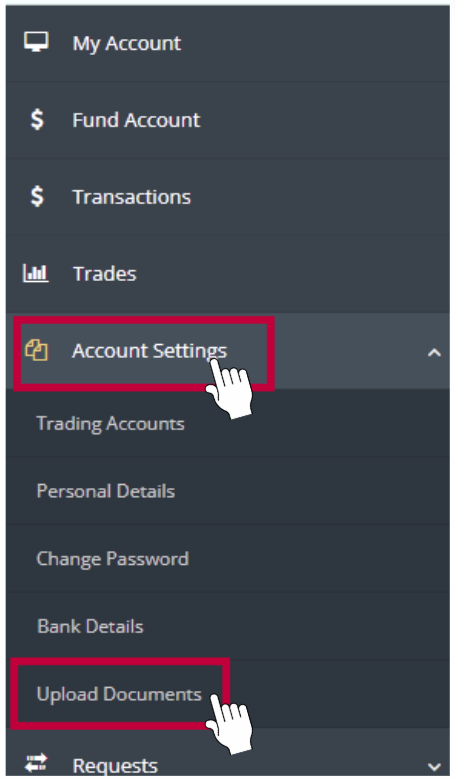
Step 2: From the Menu, click Account Settings → Upload Documents.
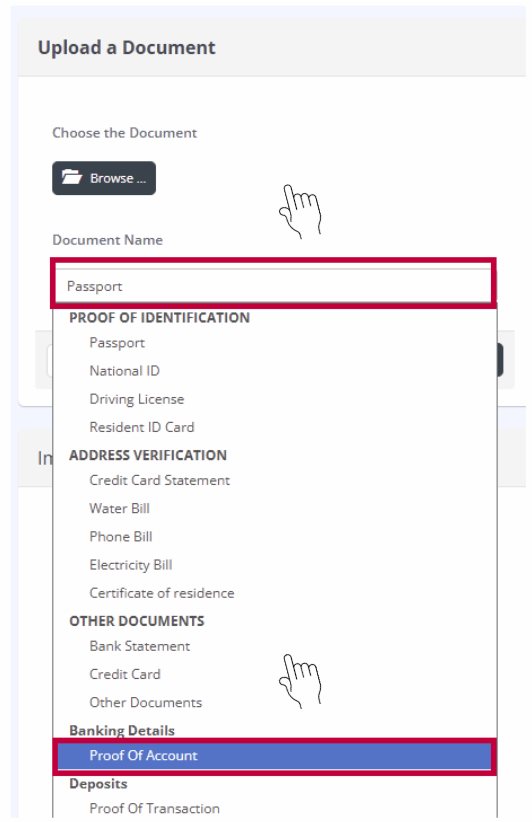
Note) Please upload an image that shows the network address of your crypto wallet and the name of the wallet holder.
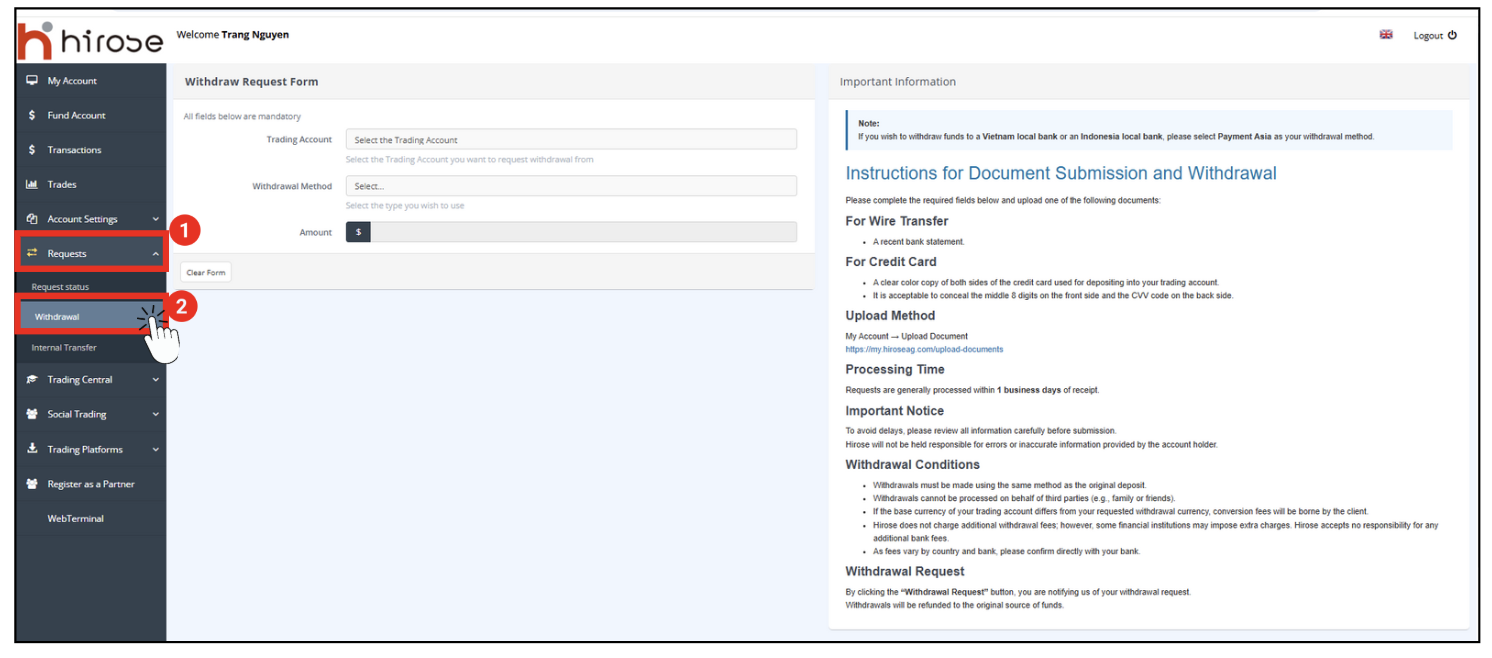
From the left-hand menu, click [Requests], then select [Withdraw].

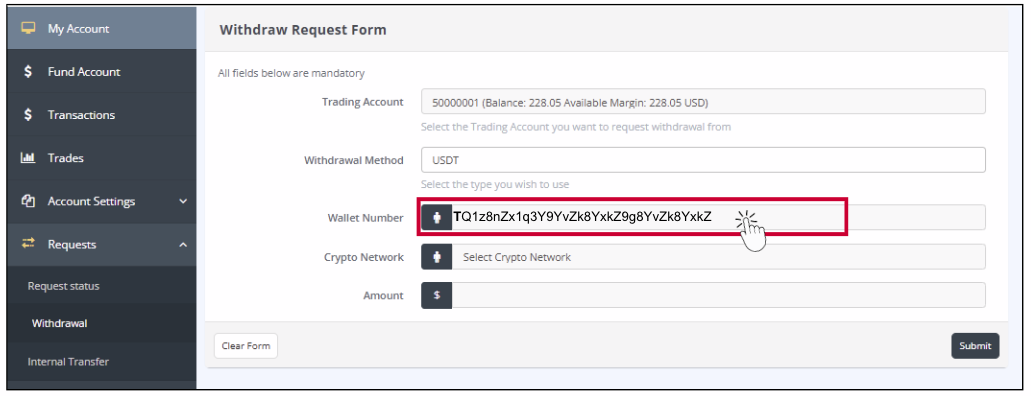
There are two main types of USDT networks: TRC20 and ERC20.
Although both are USDT (Tether), they use different blockchains.
• Important:
– Please always send USDT using the same network type shown on the deposit page.
– If you send USDT via the wrong network (for example, TRC20 to an ERC20 address), your funds may be lost and cannot be recovered.
✅ Recommended for most users: TRC20 – faster and lower cost.
| Network | Blockchain | Address Example | Speed | Fee | Notes |
|---|---|---|---|---|---|
| TRC20 | Tron Network | Starts with T… | Fast (a few seconds) | Very low | Recommended – fast and cheap |
| ERC20 | Ethereum Network |
Starts with 0x… | Slower (a few minutes) | Higher fee | For Ethereum-based wallets only |

In the Amount field, enter the exact amount you wish to withdraw.
Please ensure the amount:
- Does not exceed your available balance
- The withdrawal form only accepts amounts entered in USD or cents.
📌 Tip: Double-check the amount before submitting to avoid delays or rejection.
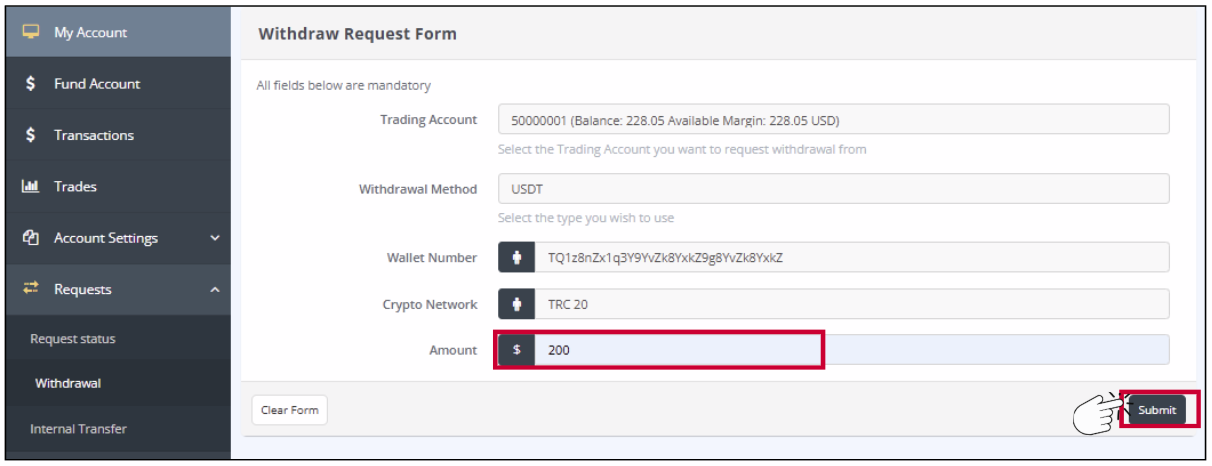
→ Click [Submit]
- Once submitted, your withdrawal request will be processed accordingly.
- If you do not receive a confirmation within the expected timeframe, please reach out to our Customer Support team for further assistance.
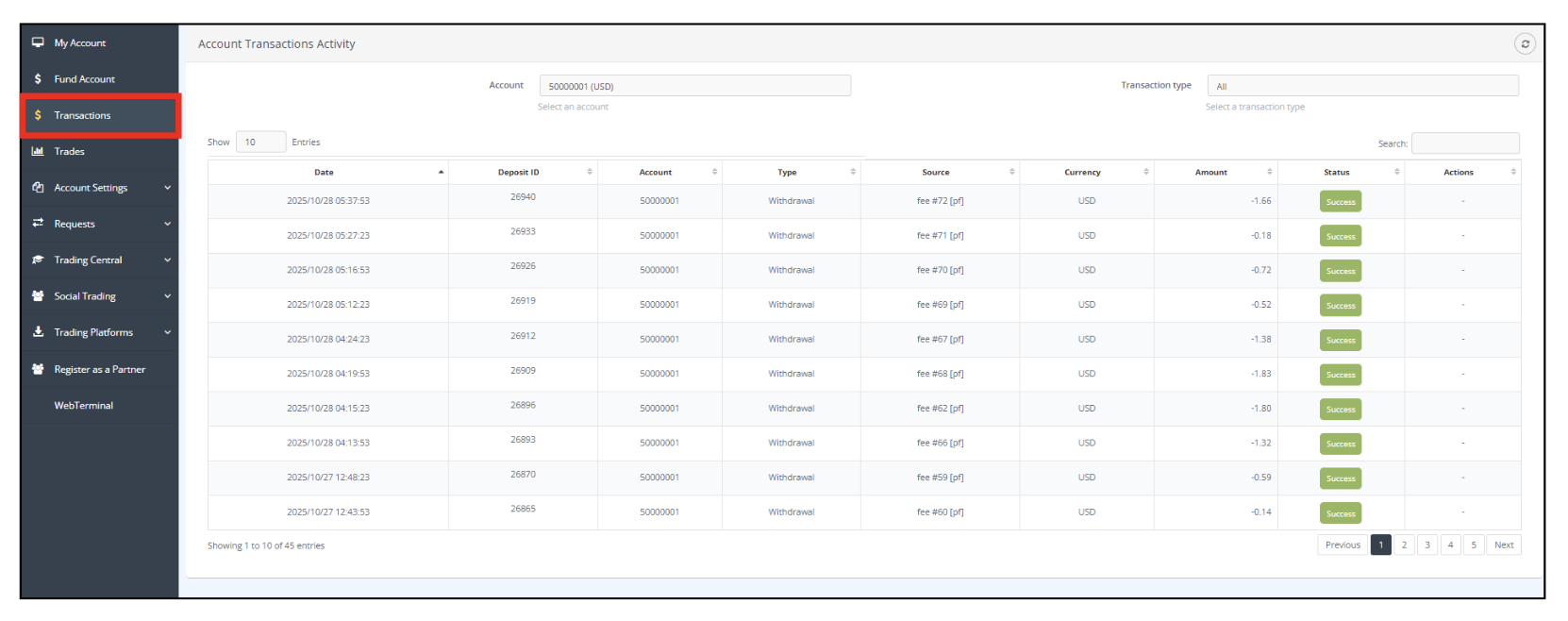
- You can check the result of your withdrawal from the [Transactions] section. A notification will also be sent to your registered email address.
Important Rules for USDT Withdrawals
To comply with Anti-Money Laundering (AML) regulations and international financial standards, the following rules apply to all USDT (cryptocurrency) withdrawals.
Please read carefully before submitting your withdrawal request.
1. Withdrawal Destination Wallet
As a general rule, USDT withdrawals are processed only to the same wallet address that was used for deposit.
If a withdrawal request specifies a wallet address different from the original deposit address, the request will be cancelled or placed on pending status.
This measure is implemented to prevent unauthorized transfers and misuse of funds.
2. Wallet Verification (KYC / Ownership Confirmation)
When deemed necessary, we may request additional verification before processing a withdrawal, including but not limited to:
A screenshot clearly showing the USDT wallet address to receive the funds
- Proof of wallet ownership (name, account details, etc.)
- Identity verification documents (KYC)
Withdrawals will not be processed until the required verification is completed.
https://hiroseag.com/help-center/withdrawal/how-to-make-a-withdrawal-via-usdt-uniwire/kyc-documents
3. Matching Account Name and Wallet Ownership
The name of the trading account holder must match the name of the USDT wallet owner.
If the names do not match, or if reasonable proof cannot be provided, USDT withdrawals will not be permitted.
4. Use of Exchange Wallets (e.g. Binance)
Some exchanges generate changing or temporary USDT deposit addresses.
In such cases, it may be technically impossible to withdraw to the same address.
As a result, withdrawals may be rejected, placed on hold, or handled on a case-by-case basis.
We are currently working on improving our procedures for such cases.
5. Risk Assessment and Additional Compliance Checks
We may conduct wallet risk assessments using external blockchain analytics tools.
If a wallet is assessed as high risk, we may take actions including:
Rejection of the withdrawal
Refund of funds
Restriction or closure of the trading account
6. Cancellation of Withdrawal Requests
A withdrawal request will be cancelled if:
The withdrawal wallet address does not match the deposit address
Required documents or information are not provided
The request does not meet our compliance or AML standards
7. Our Commitment
As a financial service provider, we believe that strict compliance with legal and international AML/CFT standards is essential to protect both our clients and the integrity of our services.