
How to install MetaTrader 5 on Android
1. Check Your Device
- Make sure your phone runs Android 5.0 or later.
- Have a stable internet connection (Wi-Fi or mobile data).
2. Install MT5 App from Google Play Store
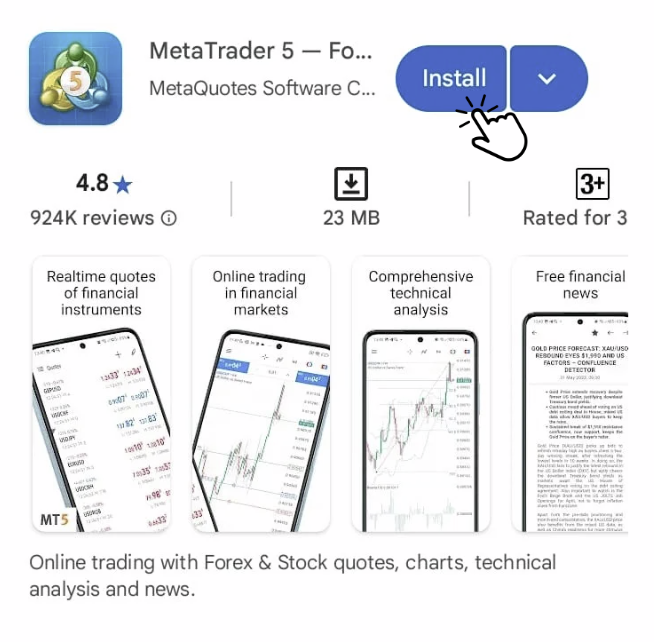
- Clink the link below to install
https://download.terminal.free/cdn/mobile/mt5/android?server=HiroseSolutions-Live
- Tap “Install”.
- Wait for the download and installation to finish.
- Tap “Open”.
✅ Tip: Avoid installing from unknown APK sources — always use Play Store to ensure security.